πŸŽ“ Live Training β€” Face-to-Face or Zoom

Master Lightroom. Transform every photo you take.

Learn the exact editing workflow professional photographers use β€” face-to-face in Manchester or live on Zoom. Weekdays only. No prior experience needed.

3Course Levels
Face-to-Faceor Live on Zoom
WeekdaysMon – Fri Only
πŸ“· Live before / after preview Β· 10 real edits, looping

See What Lightroom Can Do

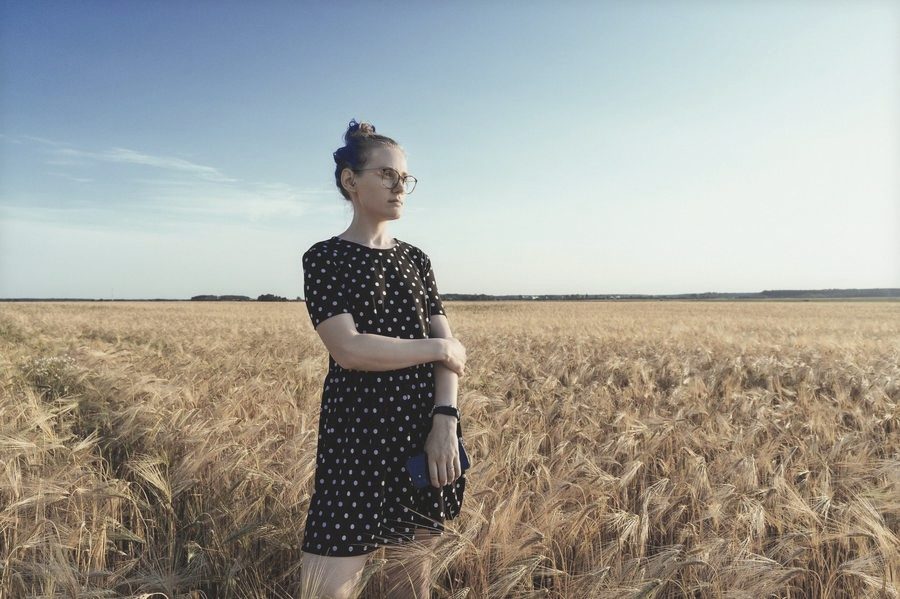
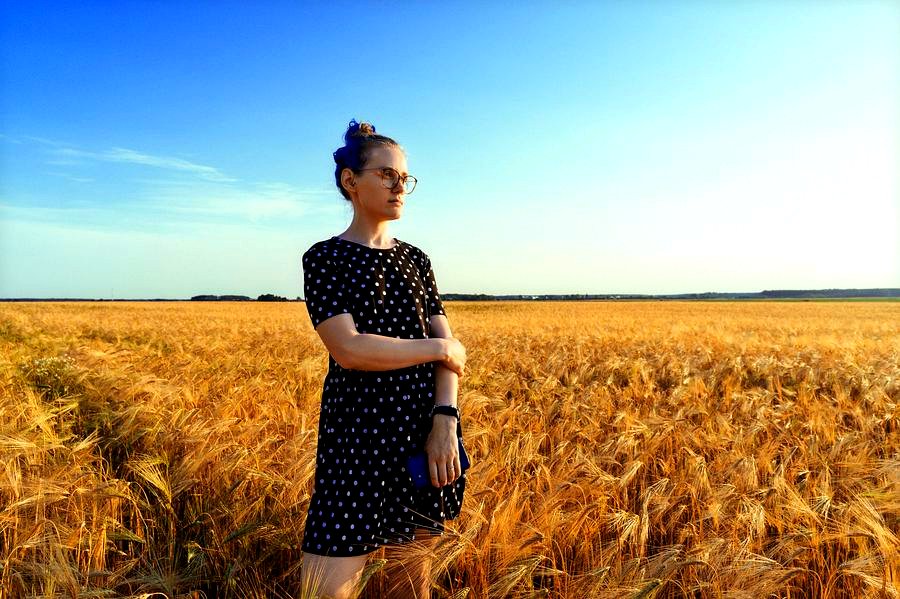
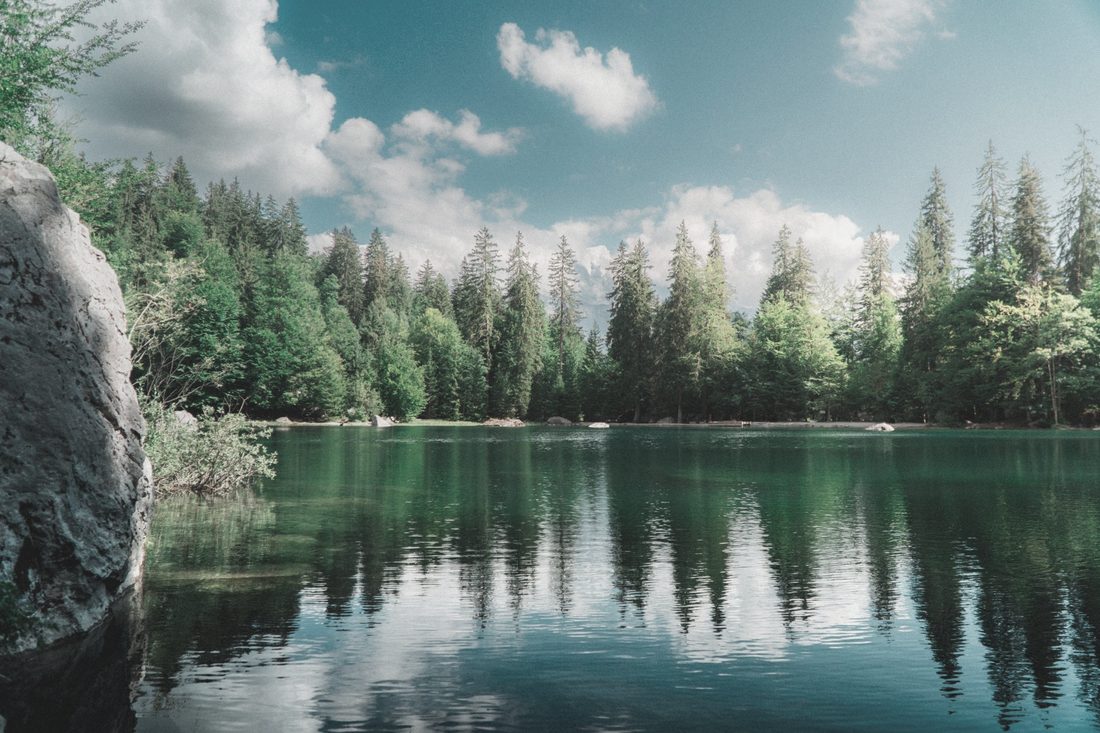
Drag the slider β€” these are genuine colour-grading edits, the same core adjustments taught in every course.
Unedited landscape photo Lightroom-edited landscape photo BEFORE AFTER
↔

Landscape β€” colour grading & contrast (Module 3)

Unedited portrait photo Lightroom-edited portrait photo BEFORE AFTER
↔

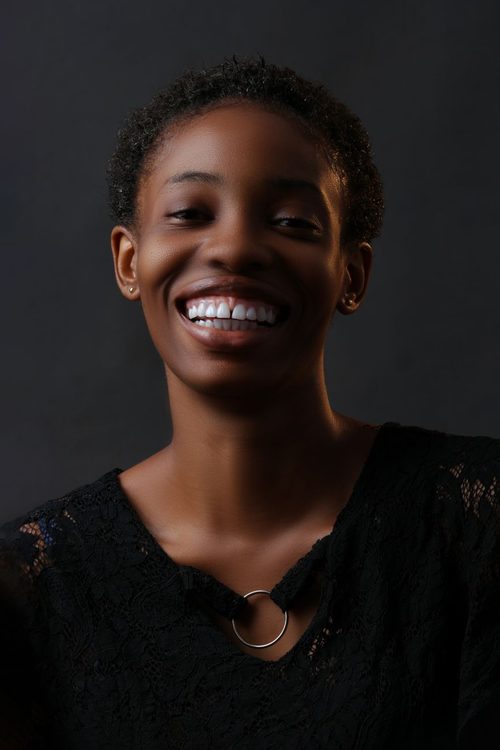
Portrait β€” tone, clarity & saturation (Module 2)
Choose Your Course

Live, hands-on teaching β€” face-to-face in Manchester or on Zoom. Weekdays only. Every level builds real editing skill, not just software buttons.

Basics

A focused introduction to get started
Β£399
  • 4 hours, live face-to-face or Zoom
  • Weekdays only
  • Small-group teaching
  • Practice photos included
Get Started

Advanced

Full mastery, over two full days
Β£999
  • 2 full days β€” live or Zoom
  • Weekdays only
  • 1:1 portfolio review
  • Full preset & brush library
Enrol Now
πŸ›‘οΈ
30-Day Guarantee Β· Weekdays Only (Mon–Fri)

Not satisfied? Full refund, no questions asked. No weekend sessions β€” book a date around your working week.

What You'll Learn

Every module builds on the last β€” by the end, editing becomes second nature.

1
Lightroom Fundamentals
Interface, workspace setup, essential tools. Import, organise, and rate your photos properly from day one.
2
Essential Editing Techniques
Exposure, contrast, clarity, saturation. Fix common mistakes and enhance every image with confidence.
3
Colour & Tone Mastery
White balance, split toning, HSL adjustments. Create a consistent, recognisable look across your work.
4
Advanced Techniques & Automation
Presets, sync settings, batch processing. Save hours of editing time on every shoot.

Taught by Working Photographers

Not just software trainers β€” people who edit for paying clients every week.

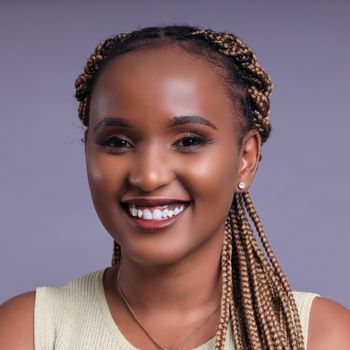
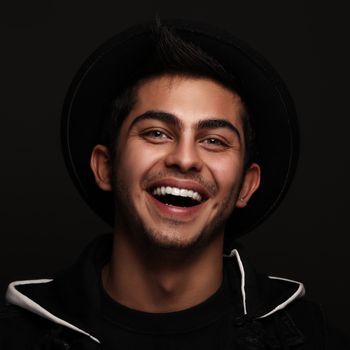
Lead instructor headshot

David Okafor

Lead Instructor Β· Wedding & Portrait

12 years shooting weddings across the UK. Built his entire editing workflow in Lightroom from day one.

Colour grading instructor headshot

Priya Sharma

Colour Grading Specialist

Former retouching lead at a London studio. Teaches the Intermediate and Advanced colour modules.

Workflow instructor working at laptop

Tom Whitfield

Workflow & Automation

Runs a content studio processing 2,000+ images a month. Built the batch-editing systems taught in Advanced.

What Students Say

β˜…β˜…β˜…β˜…β˜…

"This course completely changed my editing. Went from amateurish to professional in three weeks β€” the module structure just makes sense."

Sarah M.
Wedding Photographer
β˜…β˜…β˜…β˜…β˜…

"Clear, practical lessons. The before/after examples show exactly what's achievable. The presets alone have saved me hours every week."

James P.
Content Creator
β˜…β˜…β˜…β˜…β˜…

"I was intimidated by Lightroom before this. Now I edit faster and my photos genuinely look better β€” worth every penny."

Emma T.
Hobbyist Photographer

Frequently Asked Questions

Do I need Lightroom installed to take this course?+

Yes β€” Adobe Lightroom (Classic or CC). Both work with this course. A free trial is available directly from Adobe.

Can I book a weekend session?+

Not currently β€” all sessions run weekdays only, Monday to Friday, so book a date around your working week.

Is this beginner-friendly?+

Yes. The Basics course assumes zero prior Lightroom experience and builds from the ground up.

Do I get a certificate?+

Intermediate and Advanced both include a completion certificate, shareable on LinkedIn and in your portfolio.

What do I keep after the session?+

Your practice files, any presets included in your course, and a recording if you joined on Zoom.

What if I'm not satisfied?+

Full refund within 30 days, no questions asked.

Ready to Master Lightroom?

Join photographers who've transformed their editing in just weeks β€” start your course today.

Browse Courses